9 min read Tanja
Canva Resume Builder: Beautiful Templates, But Will They Pass ATS?
Resume & CV Tools
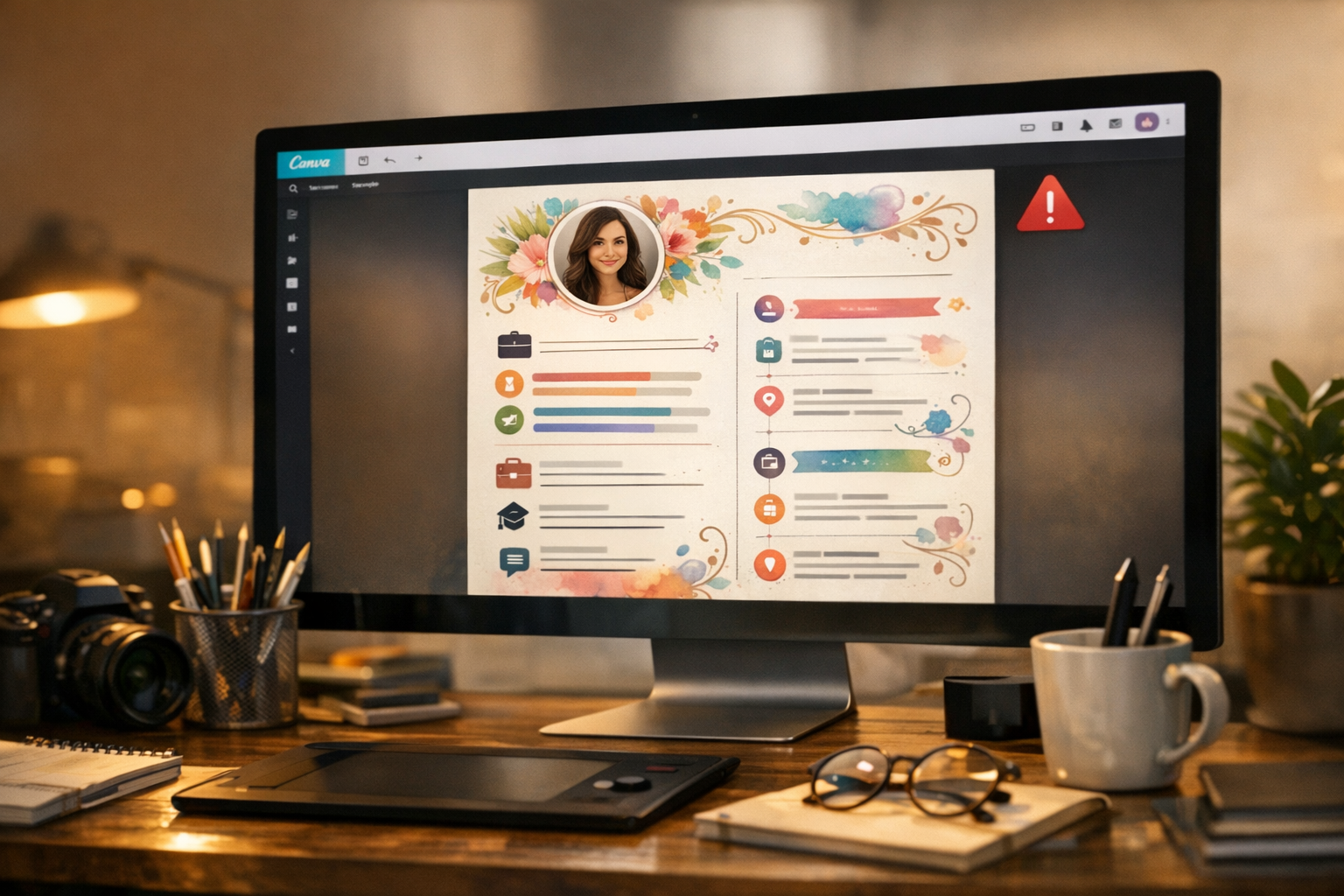
Canva has over 18,000 resume templates. They look incredible. Bold typography, color accents, clean grids, skill bars, icons. The kind of resume that makes you feel confident when you hit download.
Then you apply to 50 jobs and hear nothing back.
This isn’t a hypothetical. It’s one of the most common complaints on Reddit’s r/resumes. People build beautiful Canva resumes, submit them through job portals, and get silence. Not because their qualifications are weak. Because the software reading their resume can’t actually read it.
Let’s talk about what Canva does well, where it breaks, and when you should use something else entirely.
Credit where it’s due. Canva is a genuinely good design tool, and its resume builder reflects that.
The template library is massive. Over 18,000 resume templates, ranging from minimalist single-column designs to portfolio-style layouts with sidebars, photo placeholders, and infographic elements. Free users get access to thousands; Canva Pro ($12.99/month or $119.99/year) unlocks the full library plus premium stock photos and fonts.
The editor is intuitive. Drag-and-drop, real-time collaboration, cloud saving across devices. If you’ve ever used Canva for social media posts or presentations, the resume builder works exactly the same way. No learning curve.
Export options are reasonable. You can download as PDF, PNG, or JPG. The PDF export preserves layout fidelity, which matters for printing and emailing directly to someone.
For creative portfolios, it shines. If you’re a graphic designer handing a printed resume to someone at a networking event, a Canva resume is perfectly fine. It demonstrates design sense, which is the point.
The problem starts when that resume enters a digital hiring pipeline.
Over 90% of Fortune 500 companies use Applicant Tracking Systems (ATS) to filter resumes before a human ever sees them. Systems like Workday, Greenhouse, Lever, and iCIMS read your resume, extract text, and sort it into fields: name, contact info, experience, skills, education. If the system can’t parse your document correctly, your application gets buried or rejected outright.
Independent testing of 50 popular Canva resume templates found that 72% failed basic ATS parsing. Not because of the content. Because of how Canva builds the document.
Here’s what goes wrong:
Canva uses floating text boxes to position elements on the page. To a human eye, these look perfectly organized. To ATS software, there’s no guaranteed reading order. The system might read your skills section before your name, or merge your job title with an unrelated heading from a sidebar.
This is the single biggest issue with Canva resumes. Even simple-looking templates often use multiple text boxes under the hood.
ATS reads top-to-bottom, left-to-right. A two-column layout with your contact info on the left and experience on the right? The ATS might interleave them, producing gibberish like “John Smith Software Engineer 555-123-4567 Led a team of 12…”
Two-column Canva templates are among the most popular. They’re also the most dangerous for ATS compatibility.
Skill bars, star ratings, icons for phone/email/LinkedIn, decorative lines, profile photos. ATS can’t extract text from images. Any information conveyed only through graphics simply disappears. If your skills section uses progress bars instead of text, the ATS sees an empty skills section.
This is the technical detail most articles miss. Canva doesn’t create PDFs the way Word or Google Docs does. Canva’s rendering engine sometimes embeds text as graphic elements within complex layered structures. Even when text appears selectable in a PDF viewer, the underlying structure may not map to the logical reading order that ATS expects.
Try this test: open your Canva resume PDF and select all text (Ctrl+A / Cmd+A), then paste it into a plain text editor. If the text comes out jumbled, with sections in wrong order or words merged together, that’s exactly what the ATS sees.
Canva Pro costs $12.99/month ($119.99/year) and unlocks premium templates, fonts, and stock photos. But here’s what it doesn’t fix: the ATS problem.
| Feature | Canva Free | Canva Pro |
|---|---|---|
| Templates available | ~2,000 resume templates | ~18,000+ resume templates |
| Stock photos/graphics | 4.7M+ basic assets | 141M+ premium assets |
| Custom fonts | Limited | Full library |
| Background remover | No | Yes |
| Magic Resize | No | Yes |
| Brand Kit | Basic (3 colors) | Full |
| Storage | 5 GB | 1 TB |
| ATS compatibility | Poor | Still poor |
The premium templates look better. Some even include “ATS-friendly” in their description. But the underlying PDF export technology is the same. A Pro template with two columns, text boxes, and icons has the same parsing issues as a free template with identical elements.
The one exception: Canva’s “WissCreative” collection includes nine templates specifically designed for ATS compatibility. These use single-column layouts and simpler structures. They’re worth trying if you insist on using Canva, but you should still run the copy-paste test before submitting.
Not all Canva templates are equally problematic. If you want to use Canva, here’s what to look for:
Safer choices:
Avoid:
Even with a “safe” template, always do the copy-paste test. Select all text in the exported PDF, paste into Notepad or TextEdit, and check that everything reads in the correct order.
Canva resumes aren’t universally bad. They’re bad for one specific (and very common) use case: applying through online job portals where ATS screens applications.
Canva works well for:
If you’re a designer building a creative resume, Canva can be a solid starting point, as long as you know the audience.
For the majority of job applications in 2026, Canva is risky:
The frustrating part: you’ll never know your resume failed ATS. There’s no rejection email saying “our system couldn’t read your document.” You just hear nothing. If you’ve been applying consistently and getting silence, your resume format could be the cause. Understanding how to beat ATS systems becomes essential.
If ATS compatibility matters for your job search, you need a tool that was built for it from the ground up.
Dedicated resume builders like ResuFit solve the problems Canva creates:
You don’t have to sacrifice design for functionality. Modern ATS-friendly resume templates look professional and clean. They just don’t use the elements that break machine parsing.
Here’s the practical answer for people who love Canva’s design quality but need ATS compatibility: maintain two versions.
This isn’t overengineering. It’s recognizing that two different audiences (machines and humans) have different reading capabilities. The ATS resume gets you through the door. The Canva resume impresses people once you’re in the room.
For the ATS version, consider using tools that help you optimize your resume for applicant tracking systems with proper keyword matching and formatting.
Canva is a design tool that happens to offer resume templates. It excels at visual design and falls short at document structure. For the 75%+ of job applications that pass through ATS, that’s a problem.
If you’re applying to creative roles, networking, or submitting directly to people, Canva is fine. If you’re applying through job portals, use a tool built for the job. The content of your resume matters enormously, but it only matters if someone actually sees it.
Don’t let your formatting be the reason you never get the interview. Your qualifications deserve better than a parsing error.
How does your resume score?
Check Your Score FreeGet the latest tips on resume writing and career advice.
Most are not. Canva uses graphics, columns, and text boxes that ATS systems can't parse. Only Canva's simplest single-column templates have a chance of passing ATS.
For design-focused fields (graphic design, marketing, creative roles), yes. For corporate jobs that use ATS screening, you're better off with a dedicated resume builder.
Many templates are free, but the best ones require Canva Pro ($12.99/month). Free templates are more limited and often overused.
For ATS-optimized resumes, dedicated builders like ResuFit handle formatting, keyword optimization, and job-specific tailoring that Canva can't do.