5 min read Alex Mercer
How to Combine Two Photos Into One Without Photoshop (2026 Tutorial)
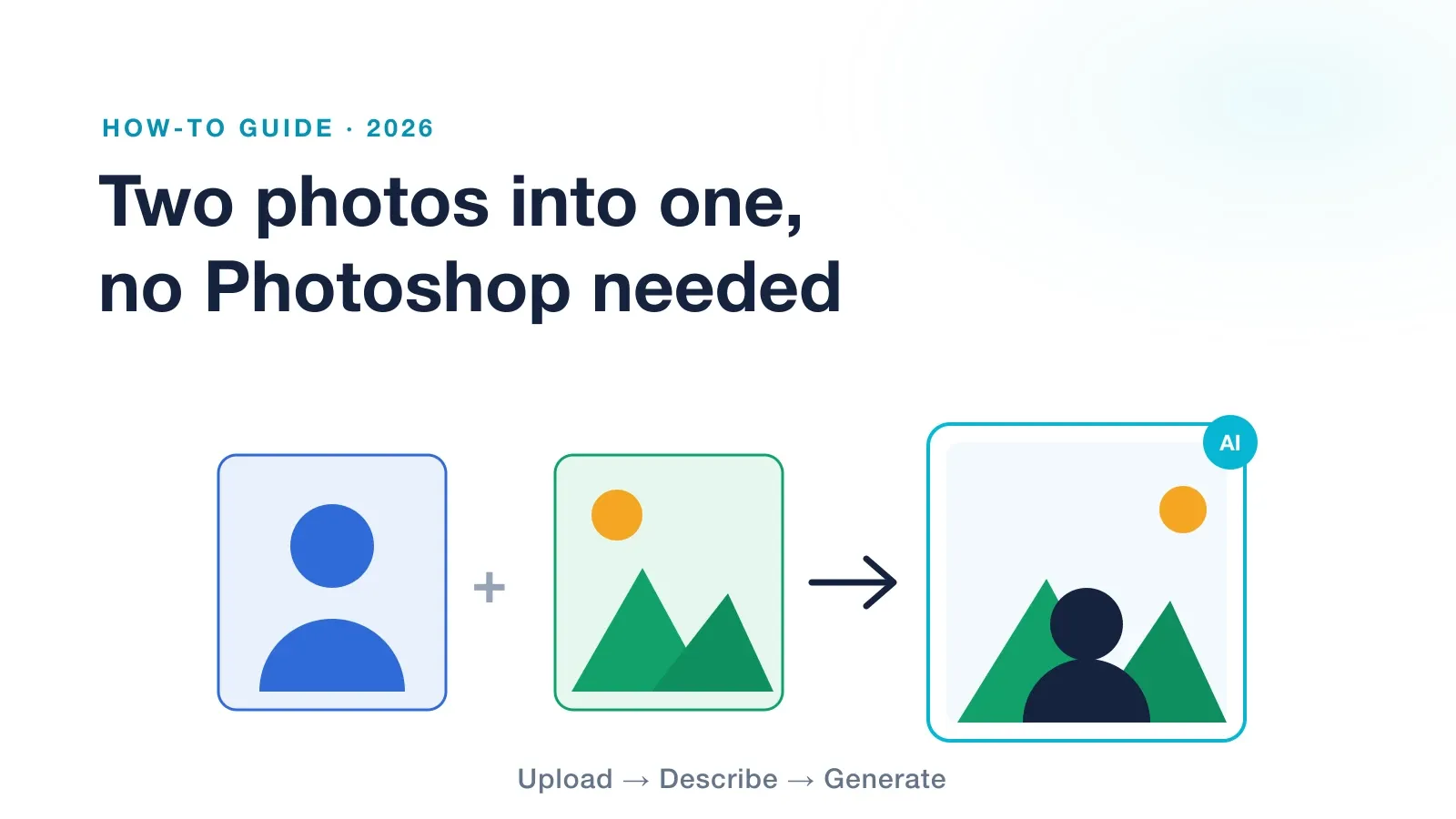
To combine two photos into one without Photoshop, open an AI image combiner, upload both images, describe how you want them merged, and generate. The AI matches the lighting and perspective and blends them into one seamless picture in seconds. No layers, no masking, and no editing skills needed. Here is the full step by step.
For years, merging two photos meant opening Photoshop, tracing a subject with the pen tool, and fighting with layer masks until the edges looked right. It worked, but it took skill and time. In 2026 you can skip all of that. AI combiners do the selecting, color matching, and blending for you. You just say what you want.
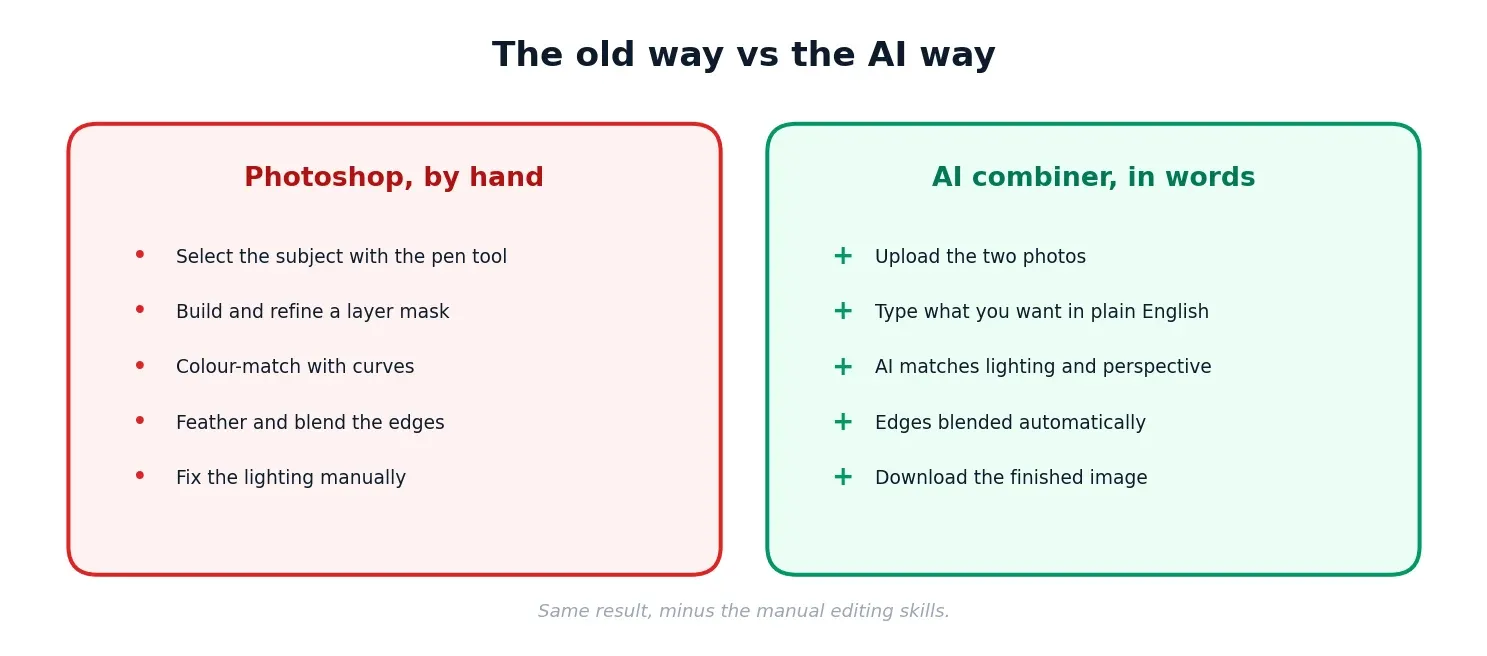
What used to take five manual steps now takes a sentence.
| Requirement | Details |
|---|---|
| Two photos | The subject or person, and the scene you want them in |
| File type | JPG, PNG or WEBP, up to 10MB each |
| An account | A free sign-up to use the tool |
| Time | Under two minutes from upload to download |
We used Overchat’s combiner for this walkthrough because it works in any browser and takes a plain-English instruction. The steps are similar on most AI editors.
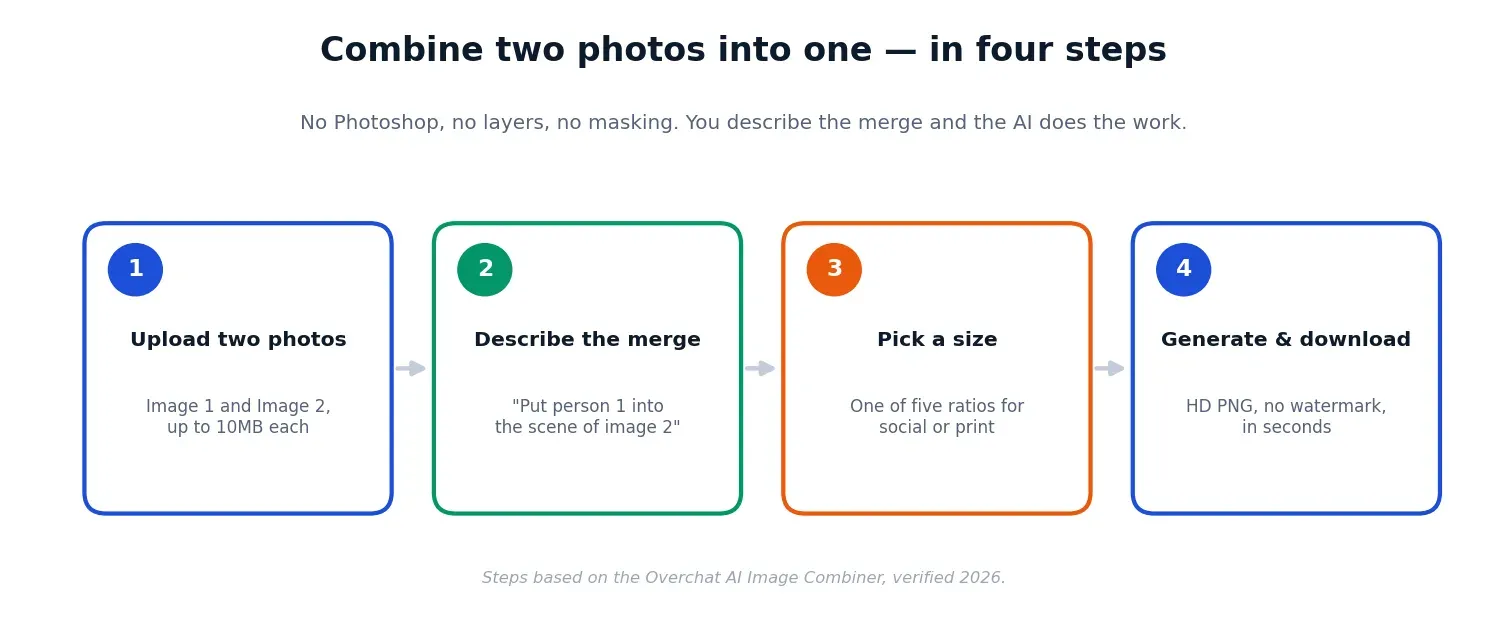
Open the combiner and add your two pictures, one in each upload box. Use clear, well-lit shots. The sharper your sources, the cleaner the blend. JPG, PNG and WEBP all work, up to 10MB each.
This is the part that replaces the manual work. In the prompt box, write what you want in plain language: “place the person from image one into the background of image two,” “put the two people side by side,” or “blend both photos into a single scene.” The more specific you are, the closer the first result lands.
Pick the shape that fits where the image is going. A combiner like Overchat offers five ready ratios, so you export at the right size the first time rather than cropping afterwards.
| Aspect ratio | Best for |
|---|---|
| 1:1 square | Instagram posts and profile images |
| 16:9 landscape | Presentations, banners, thumbnails |
| 9:16 vertical | Reels, Stories and TikTok |
| 3:4 portrait | Printed photos and cards |
| 4:3 standard | Documents and slides |
Hit generate. The AI segments the subject, matches the lighting, color, depth and perspective of the scene, and fuses the edges into one image, usually in 10 to 30 seconds. On Overchat the result downloads as an HD PNG with no watermark, and you own it and can use it commercially. You sign in with a free account, and generating the final image is a paid feature.
If you are wondering why the result looks convincing rather than pasted on, it is because the AI does the same jobs a retoucher would, just automatically. It works out which pixels are the subject, re-maps the lighting to match the new scene, aligns the perspective, and smooths the edges where the two photos meet. That is the exact work that used to eat an afternoon in Photoshop, handled in one pass from your description.
One thing worth understanding before you dive in: this combiner is not a standalone app. It is one of the tools inside Overchat AI, an all-in-one platform with more than 150 purpose-built tools for image, video, audio and text, from generating images and editing video to writing and transcription. Those tools run on the latest models from GPT, Claude, Gemini, Grok, Kimi and Qwen, and the platform works on the web, iOS and Android. The company says it is used by more than 350,000 people. The practical upshot: the same account you use to merge two photos also covers work you might otherwise split across separate ChatGPT, Claude and Gemini subscriptions.
| Use case | What you combine |
|---|---|
| Group photos | Add the person who couldn’t be there |
| Product shots | Drop a product into a styled scene |
| Before and after | Two states in one frame |
| Social content | Yourself into a new background for a post |
| Cards and collages | Two moments in one keepsake |
Combiner steps and details (two-image upload up to 10MB, describe-to-merge, five aspect ratios, lighting, color, depth and perspective matching, HD PNG output, no watermark, commercial use, free account with paid generation) verified on the live Overchat AI Image Combiner tool, 2026. Overchat platform details (150+ tools, the models listed, web, iOS and Android, and the user figure) per the company, 2026.
How does your resume score?
Check Your Score FreeGet the latest tips on resume writing and career advice.
Open an AI image combiner, upload both photos, describe how to merge them, and generate. The AI blends them, matching lighting and perspective, into one seamless image you can download. No editing skills needed.
Many tools offer a free tier. On Overchat you create a free account, and generating the final image is a paid feature. The platform also includes other free AI tools.
Yes, when your two photos have similar lighting and framing. Good tools match lighting, color, depth and perspective so the result reads as a single photo, not a paste-up.
On Overchat you can choose five aspect ratios (1:1, 16:9, 9:16, 3:4 and 4:3), so the image fits social posts, print or slides. The result downloads as a PNG.
It depends on the tool. Overchat exports an HD PNG with no watermark, and you can use the image commercially. Some free tiers elsewhere add one.
Usually 10 to 30 seconds to generate, once both photos are uploaded and you have described the merge. Most of your time goes into choosing good source photos.