ResuFit features Everything ResuFit does for your job search
ResuFit turns a job ad into a complete application: a tailored resume, a matching cover letter and interview practice for that exact role. Around it sit a free resume checker, a LinkedIn profile review, an application board, a Chrome extension and apps for iOS and Android. A template builder hands you a layout. ResuFit rewrites your resume for the job.
Free to start. No credit card.
How does ResuFit tailor an application?
You build your profile once. Every job ad after that becomes a resume and cover letter written for that one role.
A resume and cover letter for every job ad
Paste a job ad or its link. ResuFit reads the requirements, matches them against your profile and writes a tailored resume and cover letter with the keywords that ad asks for. Each application comes with a match score, the key skills from the ad and tips for the role.
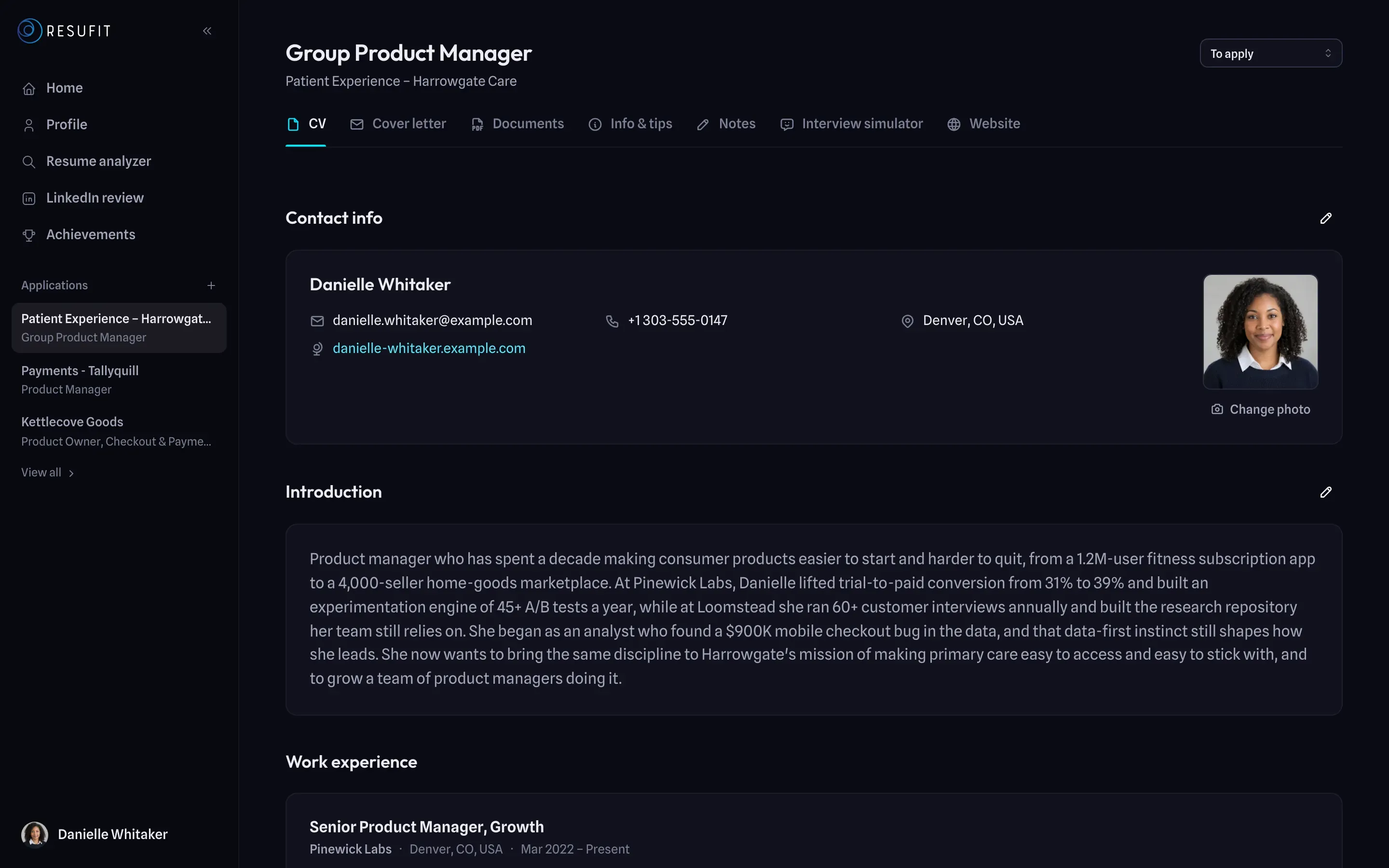
12 templates, switch with one click
Pick from 12 resume templates, each with a matching cover-letter layout, and change colours and fonts. ResuFit shows how well each template reads in applicant tracking systems. Download the resume, the cover letter or both as PDF.
Free resume checker
Upload your current resume as PDF or Word (.docx), up to 5 MB. You get an ATS score and the top issues to fix, without creating an account. One click turns the analysis into your ResuFit profile.

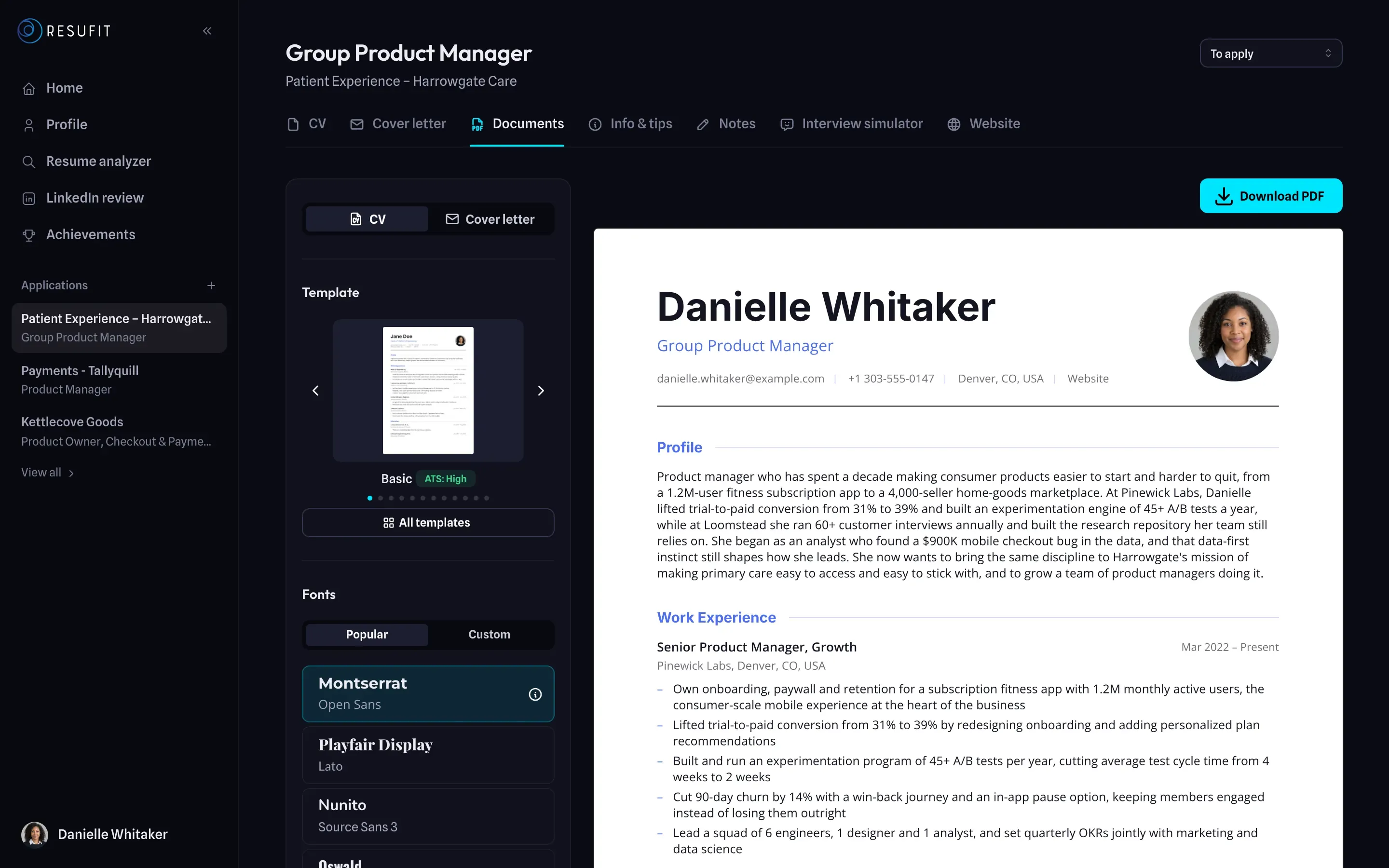
AI headshots from your own photo
Upload a photo of yourself and ResuFit turns it into a professional headshot for your resume and your LinkedIn profile.
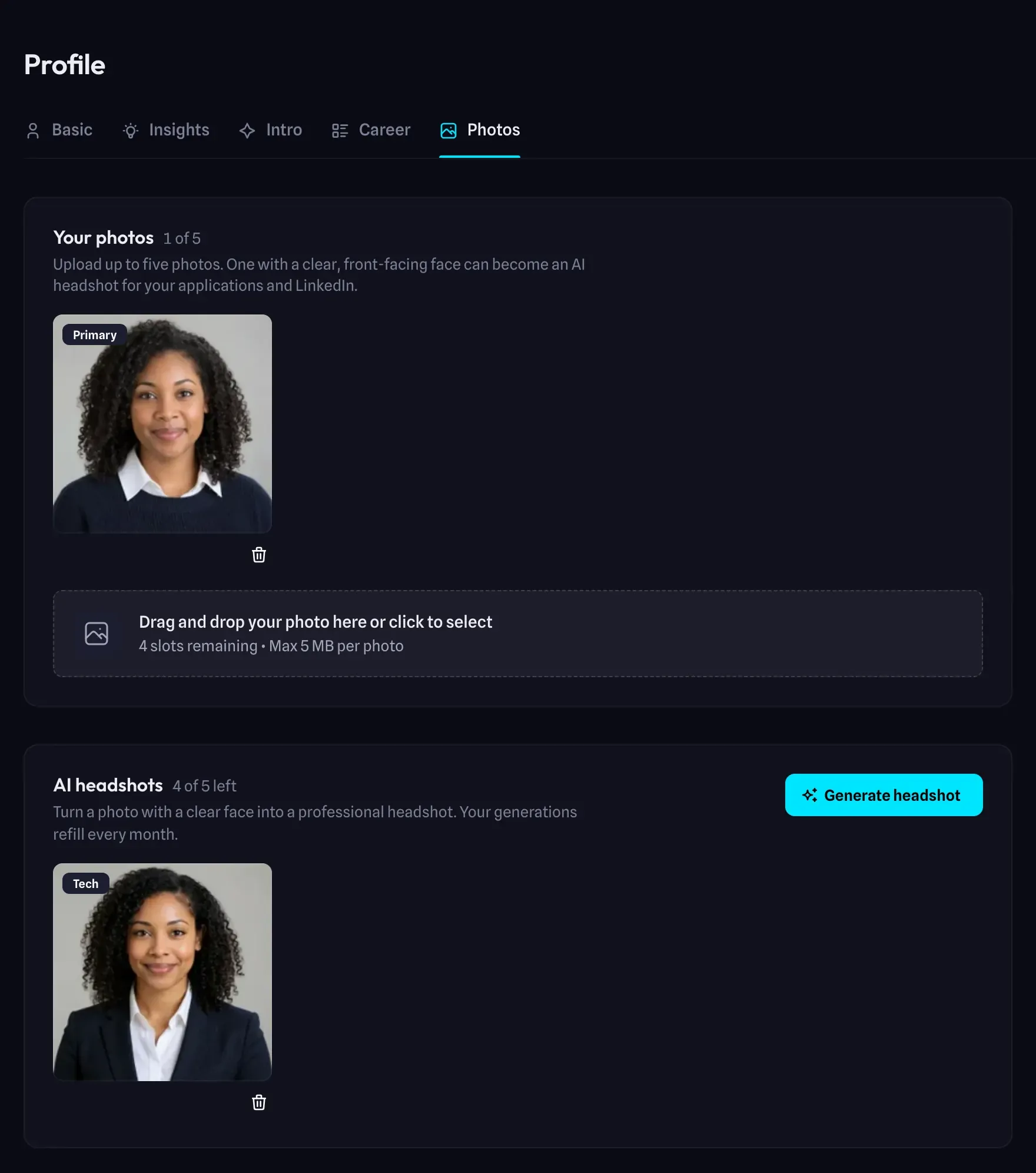
A resume website for each application
Publish any application as a web page you can share with a link, in one of 5 designs. ResuFit shows you when the page is viewed.
How does ResuFit prepare you for the interview?
Practice with an interviewer who has read the same job ad you applied to, and fix your LinkedIn profile before the recruiter looks.
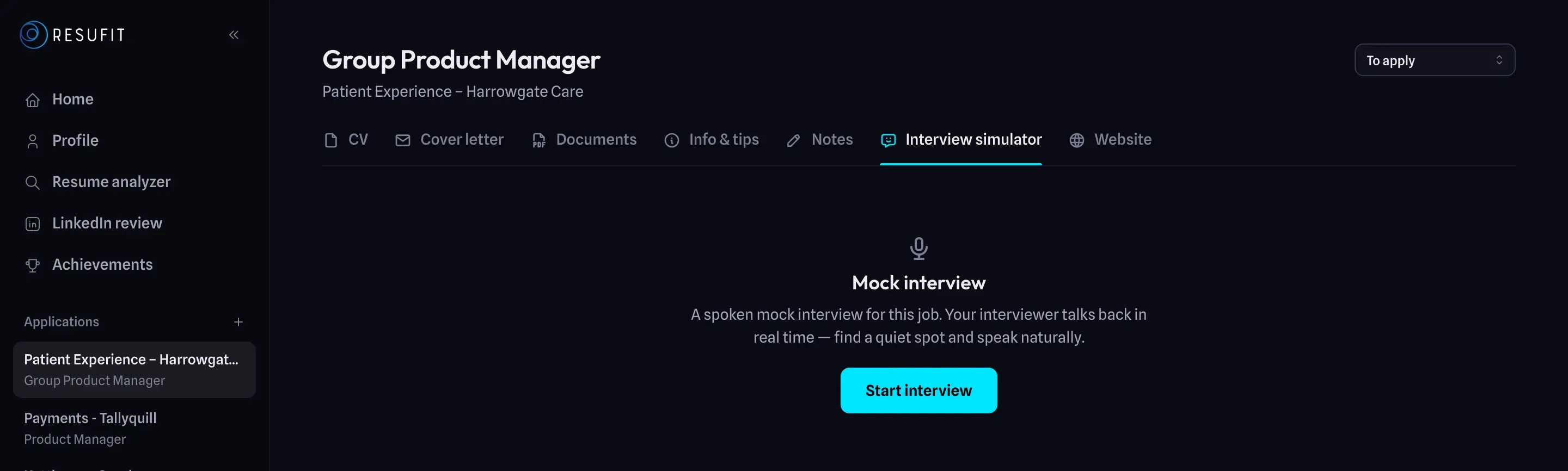
Mock interviews with an AI interviewer
Start a spoken interview for any of your applications. The AI interviewer asks about that role, listens to your answers and replies like a real hiring manager. Choose 3, 5 or 8 minutes. Afterwards you get a scored review with example answers.
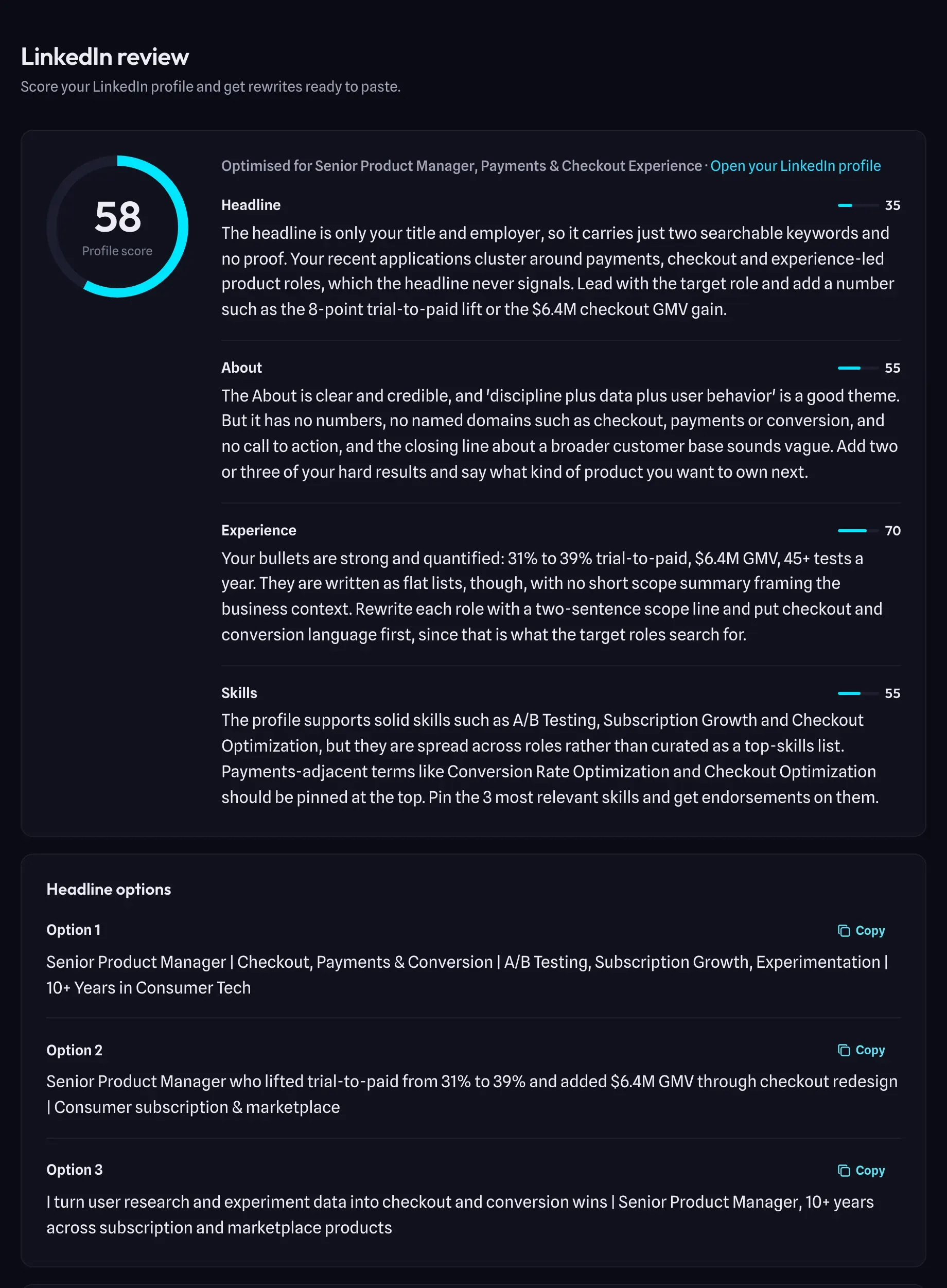
LinkedIn profile review
Upload your LinkedIn PDF export or paste your headline and About. ResuFit scores your profile against your target role, explains what holds it back and writes rewrites ready to paste.
How do you keep track of every application?
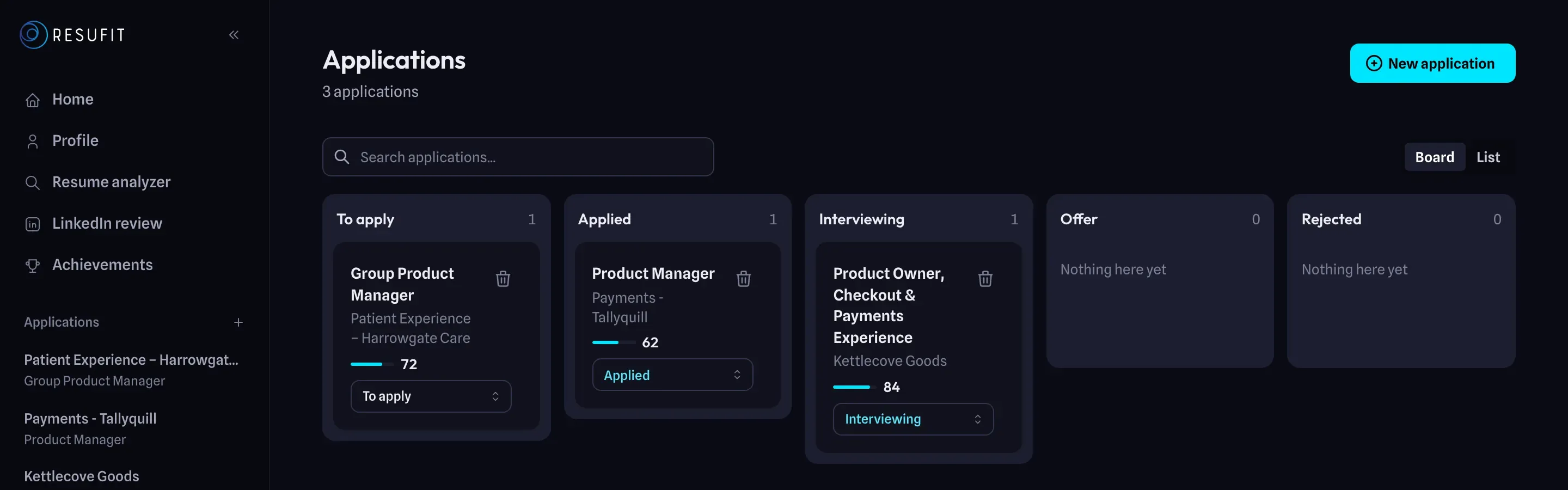
Each tailored application and each saved job lands on one board, so nothing slips.
Application board and follow-up reminders
Move each application through To apply, Applied, Interviewing, Offer and Rejected. Saving jobs is free and unlimited. When you mark one as applied, ResuFit emails you a follow-up reminder 5 days later.
Where can you use ResuFit?
In the browser, on the job posting itself and on your phone. One account, the same applications everywhere.
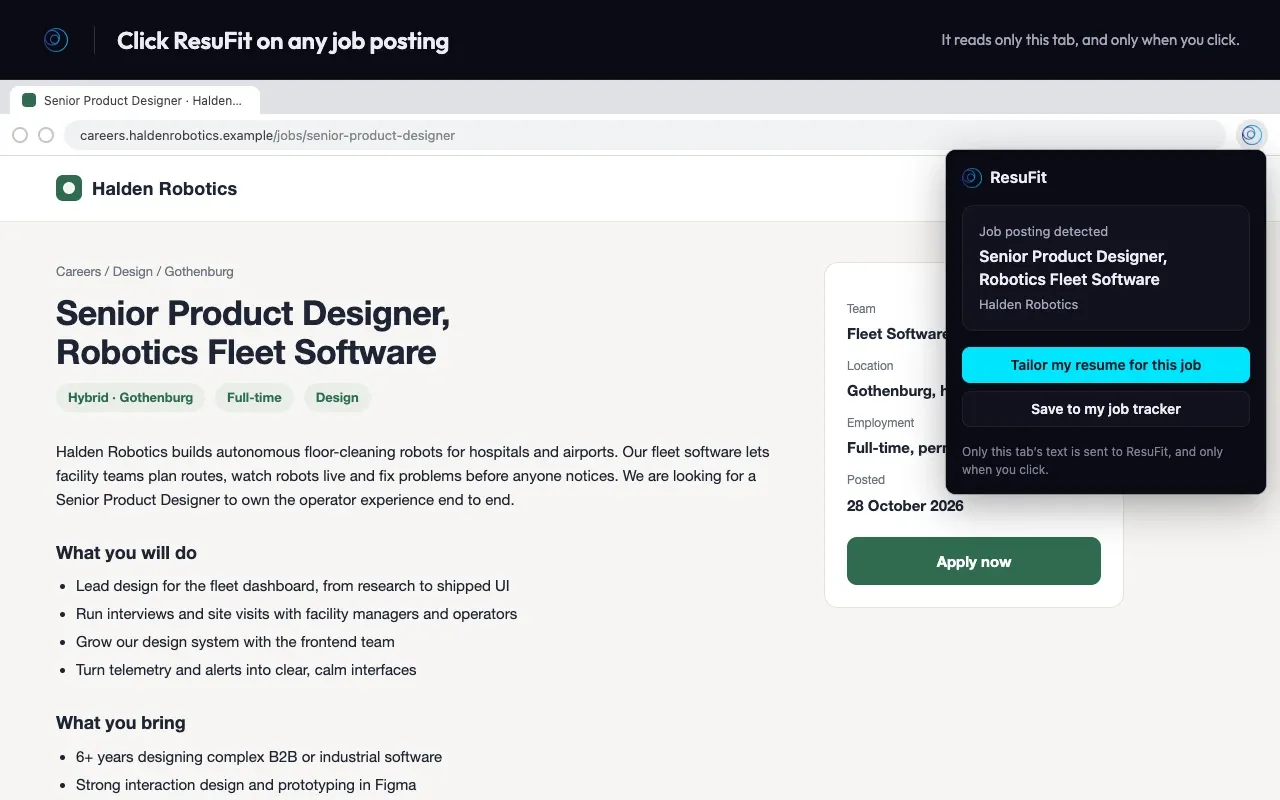
Chrome extension
On any job posting, click the ResuFit icon and choose Tailor my resume for this job or Save to my job tracker. On your own LinkedIn profile it imports the profile or starts the LinkedIn review. Works in Chrome, Edge and Brave.
iOS and Android apps
Your applications on your phone. Share a job posting from any app straight into ResuFit, and keep an eye on your search from the home-screen widget.
What is free and what needs Pro?
Every feature can be tried on the free plan. Pro is unlimited, within fair-use limits. Current prices are in the pricing section.
| Feature | Free | Pro |
|---|---|---|
| Tailored resume and cover letter | Preview of every application | Full documents, unlimited applications |
| PDF download, 12 templates | Preview in every template | Full PDFs in every template |
| Resume checker | Included | Included |
| Mock interviews | Limited practice | Unlimited practice |
| LinkedIn review | Score, feedback and headline ideas | Full rewrites of About, experience and skills |
| Job tracker | Unlimited | Unlimited |
| AI headshots | One watermarked headshot to try | New headshots every month, no watermark |
| Chrome extension, iOS and Android apps | Included | Included |
Frequently Asked Questions
Is ResuFit free?
You can start for free and try every feature: the resume checker, a preview of each tailored application, interview practice, the LinkedIn score and the job tracker. The full tailored documents, PDF downloads and unlimited practice need a Pro plan.
Which file formats does ResuFit accept and export?
You can upload your resume as PDF or Word (.docx), up to 5 MB. ResuFit exports the resume and cover letter as PDF, separately or together as a ZIP.
How many resume templates does ResuFit have?
12, each with a matching cover-letter layout. You can switch templates at any time and change colours and fonts without rewriting anything.
How long is a ResuFit mock interview?
You choose 3, 5 or 8 minutes. The interview is spoken: the AI interviewer asks about the job you applied to and gives you a scored review with example answers at the end.
Does ResuFit apply to jobs for me?
No. ResuFit writes the application and helps you prepare, and you send it yourself. Neither the web app nor the Chrome extension fills in forms or submits applications.
Is there a ResuFit app for iPhone and Android?
Yes. ResuFit is on the App Store and on Google Play, with the same account and applications as the web app.
Your next application, written for the job
Create a free account, paste a job ad and read the resume ResuFit writes for it.